Prompt

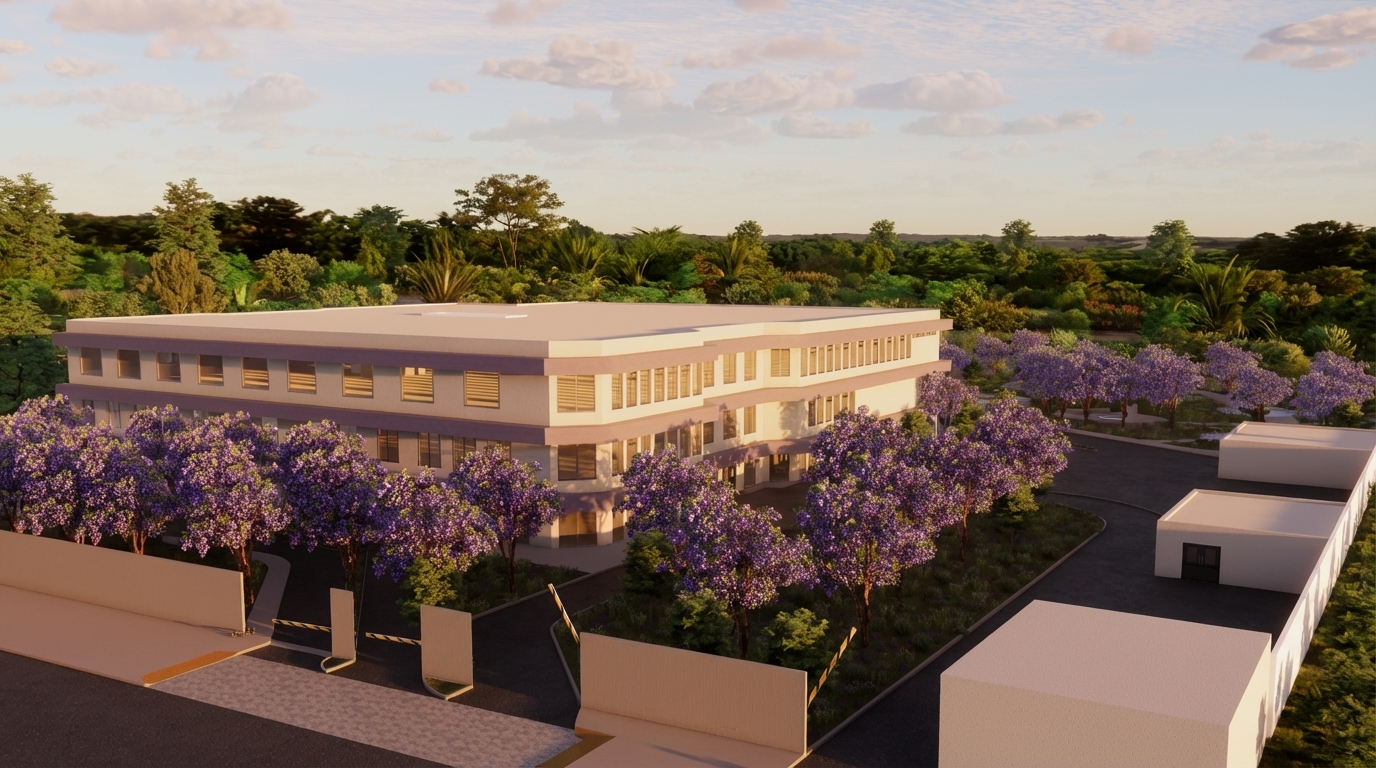
render the image with high detail with modern style add details like light, flower, ground, sky, select modern design elements create the image to look realistic, add celling light, wall light, roof light , add strep light in balconies in the first floor, add marble material in ground floor , add marble in stairs, turn on the car lights

realisticstandard16:9
render the image with high detail with modern style add details like light, flower, ground, sky, select modern design elements create the image to look realistic, add celling light, wall light, roof light , add strep light in balconies in the first floor, add marble material in ground floor , add marble in stairs, turn on the car lights

More like this

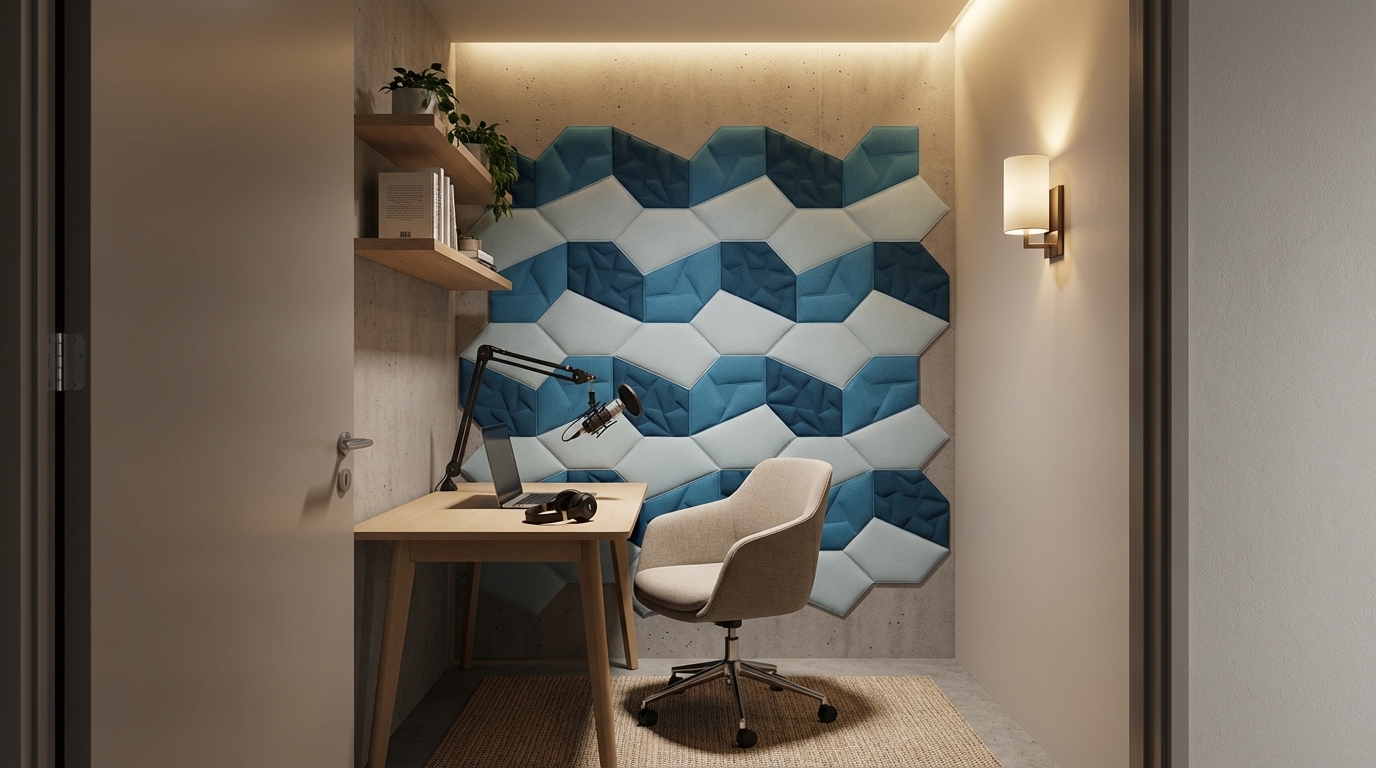
Compact focus room designed for video calls and podcasting, PET acoustic wall panels in soft muted colours behind the desk, small worktable with microphone, comfortable chair and simple shelves, warm ambient lighting with a wall sconce and hidden LED strip, cozy modern interior with matte finishes, no clutter, seen from the doorway at eye level, photorealistic architectural render, high detail, soft shadows, professional interior visualization quality, no people, no text, no logos.
Dec 4
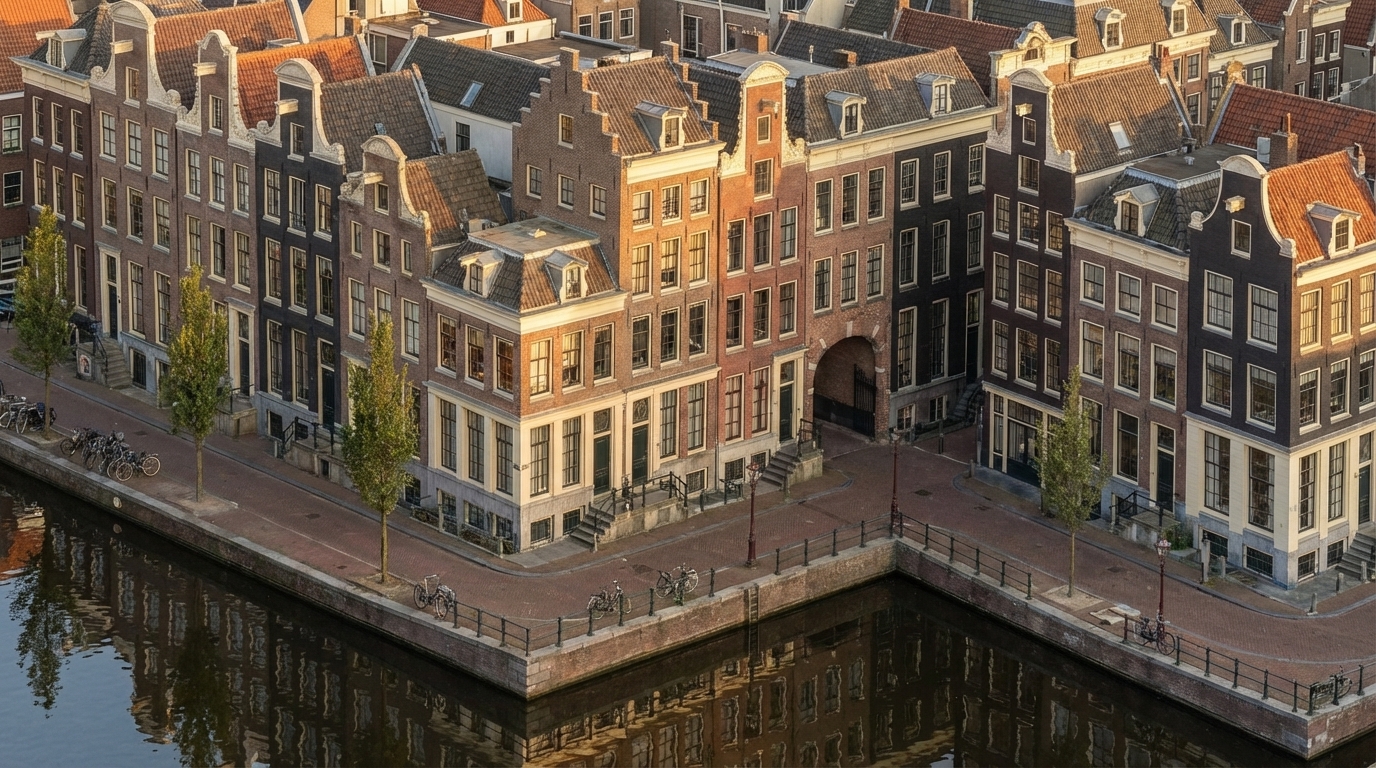
Convert this exact Revit massing into a fully detailed Amsterdam canal-house façade without changing any geometry. Keep the same isometric camera angle exactly as the original view. Apply seventeenth-century Dutch architectural style onto every block by dividing the long façade into narrow vertical bays inspired by real canal houses. Use authentic warm Dutch brick (brown, muted red, dark charcoal) with cream stone trim along corners, edges, and window frames. Add tall vertical windows with thin black mullions, and place stepped, bell, and neck gables only above the existing roof shapes. Convert all plain surfaces into rich brick textures, add cornices at massing offsets, and use recesses as historic alley-like details. Apply a subtle forward tilt (2–3°) to each bay visually, without editing the volumes.

Place a calm reflective canal in front of the full building length, with stone edges, metal railings, bikes, and slim Amsterdam street trees. Use warm golden-hour sunlight with soft reflections on windows and clear isometric reflections in the water. Render in ultra-photorealistic style with crisp textures, natural shadows, warm colors, HDR lighting, and slight filmic imperfections.

Negative prompt: no geometry edits, no modern curtain walls, no futuristic elements, no fisheye, no wrong gables, no unrealistic colors.
Convert this exact Revit massing into a fully detailed Amsterdam canal-house façade without changing any geometry. Keep the same isometric camera angle exactly as the original view. Apply seventeenth-century Dutch architectural style onto every block by dividing the long façade into narrow vertical bays inspired by real canal houses. Use authentic warm Dutch brick (brown, muted red, dark charcoal) with cream stone trim along corners, edges, and window frames. Add tall vertical windows with thin black mullions, and place stepped, bell, and neck gables only above the existing roof shapes. Convert all plain surfaces into rich brick textures, add cornices at massing offsets, and use recesses as historic alley-like details. Apply a subtle forward tilt (2–3°) to each bay visually, without editing the volumes. Place a calm reflective canal in front of the full building length, with stone edges, metal railings, bikes, and slim Amsterdam street trees. Use warm golden-hour sunlight with soft reflections on windows and clear isometric reflections in the water. Render in ultra-photorealistic style with crisp textures, natural shadows, warm colors, HDR lighting, and slight filmic imperfections. Negative prompt: no geometry edits, no modern curtain walls, no futuristic elements, no fisheye, no wrong gables, no unrealistic colors.
Dec 2
<role>
You are an expert architectural visualizer specializing in 3D cross-section views.
</role>

<task>
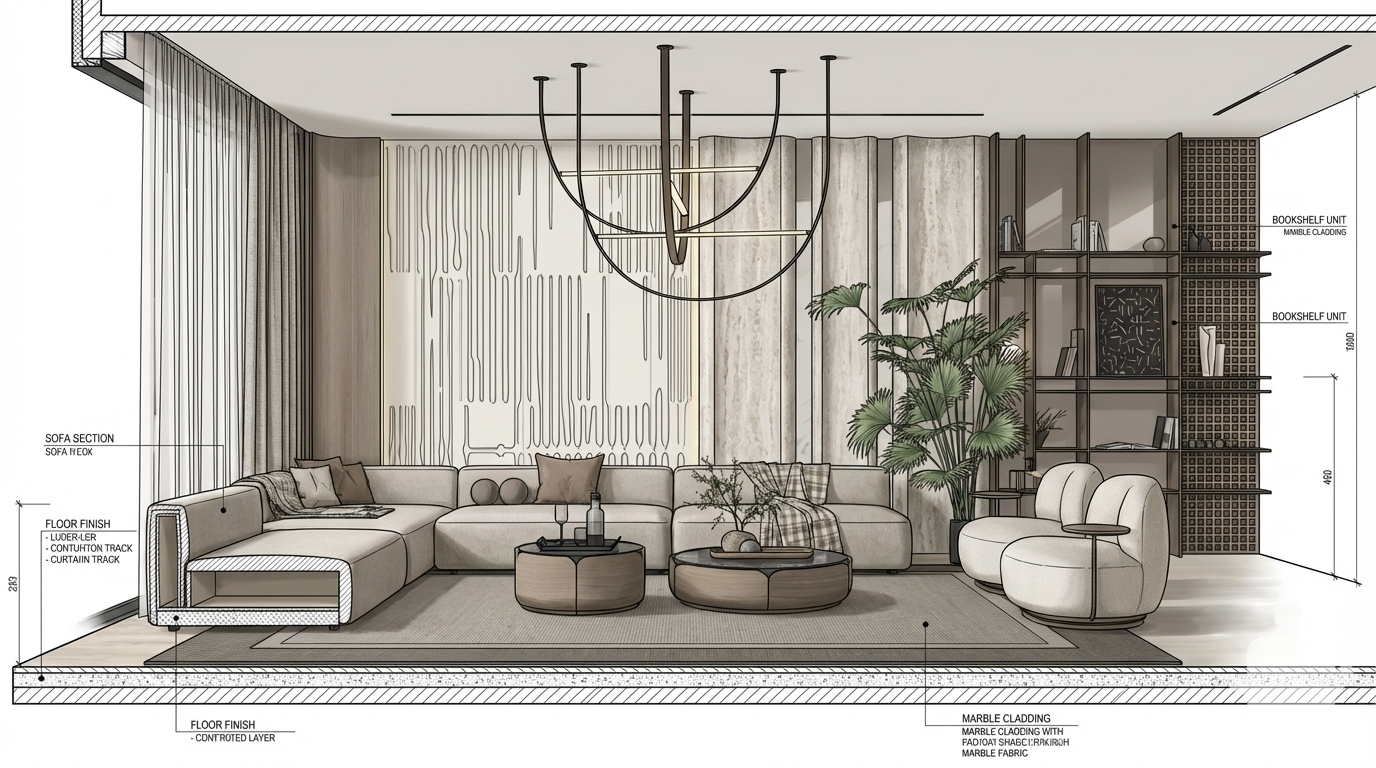
Transform the architectural render into a 3D cross-section view showing depth, volume, and spatial relationships. Create a longitudinal (along the length of the building, typically front-to-back or side-to-side) section cut displayed using perspective projection (realistic 3D view with vanishing points, showing depth and spatial relationships as seen by the human eye).
</task>

<constraints>
1. Output format: Generate a single architectural section drawing image
2. Visual style: Three-dimensional perspective showing depth, volume, and spatial relationships. Use perspective techniques, depth cues, material textures, and dimensional relationships to show the section in 3D space.
3. Section cut and view type: As specified in task
4. Text and annotations: Include text labels, annotations, dimensions, and technical notes as appropriate for the section drawing type.
5. Scale handling: Adapt to input scale appropriately
6. Element recognition: Identify and represent visible architectural elements (structural systems, building envelope, interior elements, spatial relationships)
7. Maintain: Architectural drafting standards, proper scale, accurate proportions, professional presentation quality
8. Focus: spatial visualization, depth perception, and design communication
9. Do not: Add elements not present in the original render, distort proportions, or include photorealistic rendering elements
</constraints>

<output_requirements>
- Drawing type: 3D cross-section view
- Visual style: Three-dimensional perspective showing depth, volume, and spatial relationships. Use perspective techniques, depth cues, material textures, and dimensional relationships to show the section in 3D space.
- Elements: structural elements in 3D perspective, material textures, depth cues, shadows, and dimensional relationships
- Technical accuracy: Must follow architectural drafting standards
- Professional quality: Suitable for construction documentation, shop drawings, and design presentations
- Text handling: Include appropriate text labels and annotations
</output_requirements>

<context>
Convert the architectural render into a 3D cross-section view following Three-dimensional perspective showing depth, volume, and spatial relationships. Use perspective techniques, depth cues, material textures, and dimensional relationships to show the section in 3D space.. The drawing must be accurate, clear, and professionally rendered.
</context>
Dec 11
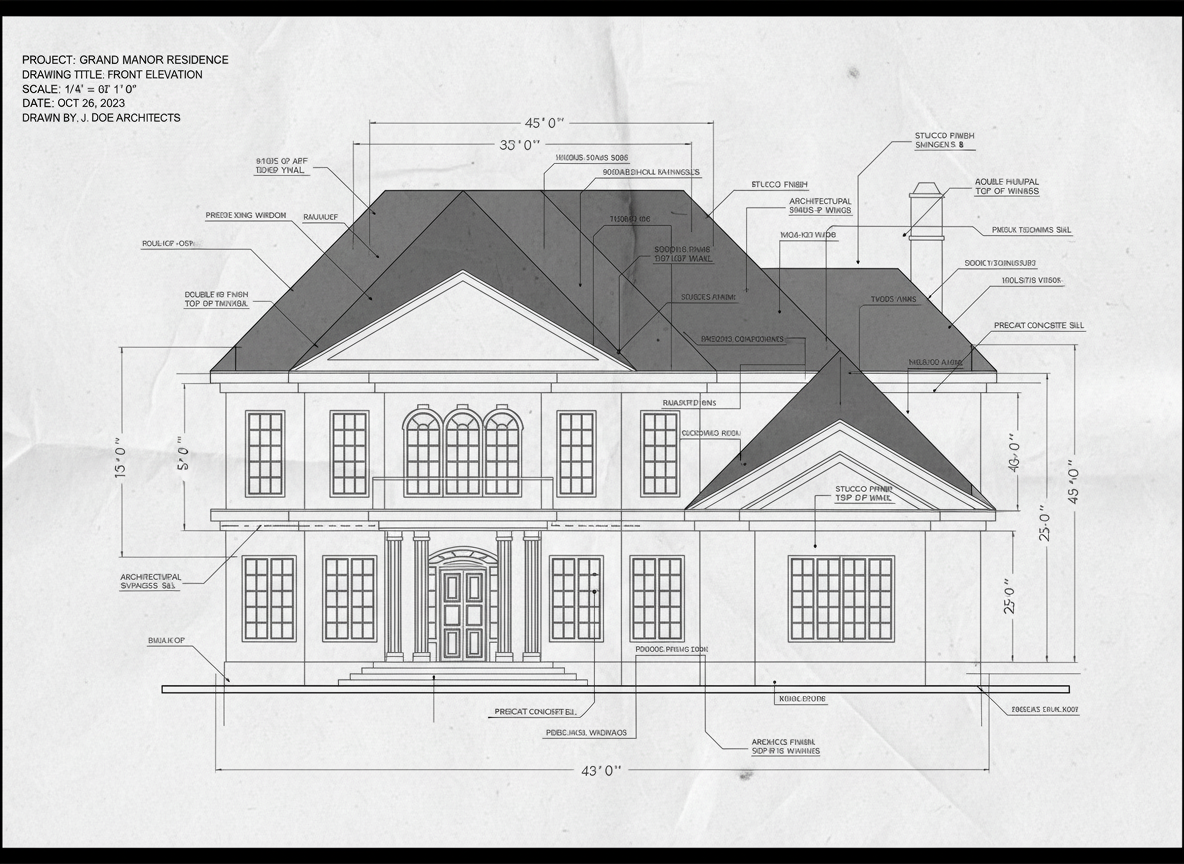
make it detailed autocad drawings
Oct 3
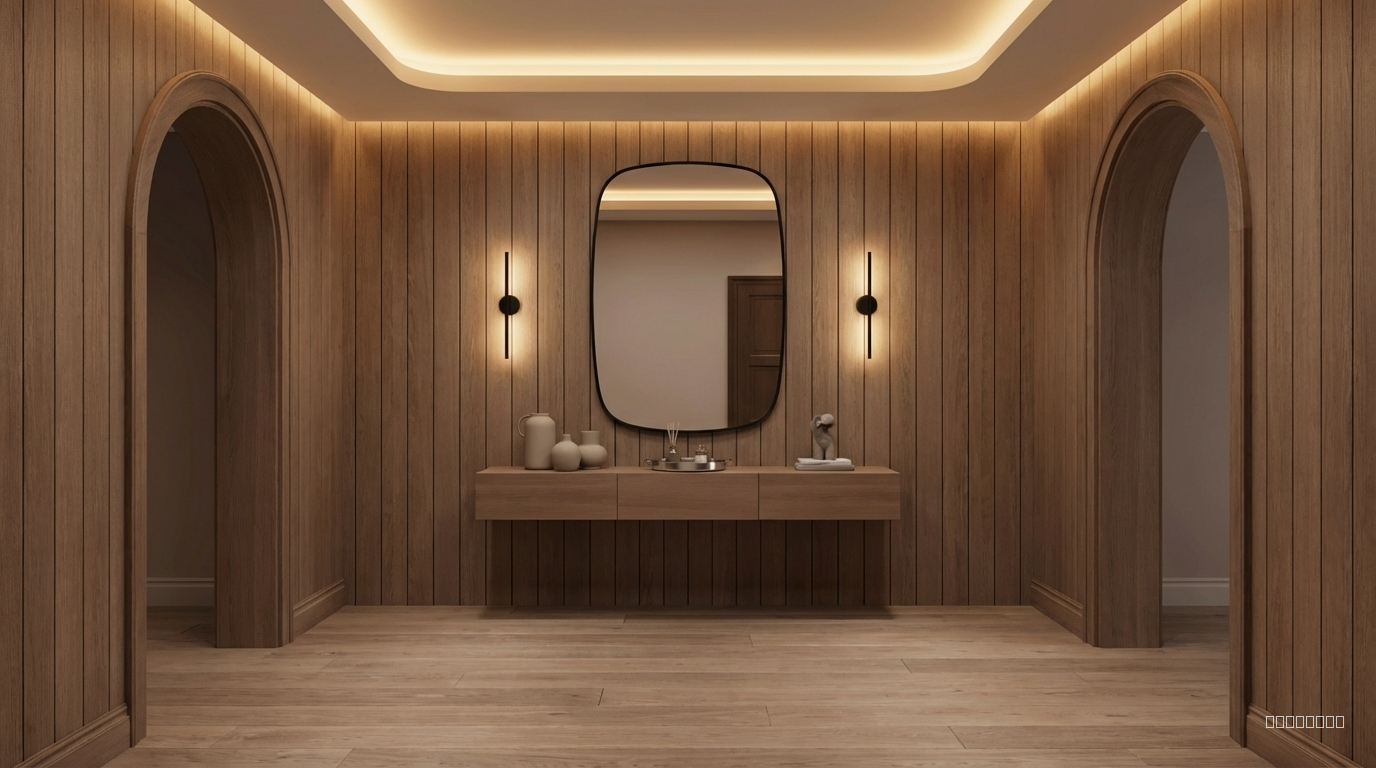
Transform this entryway into a warm minimal modern interior. Use natural wood wall cladding in soft mocha tones, warm ambient hidden lighting in the ceiling, and a simple floating console in matte wood. Replace the black marble with a clean warm-wood finish. Add a large rounded-edge mirror with a thin black frame. Add two minimal wall sconces with soft warm light on both sides of the mirror. Use neutral decorative objects in matte ceramic and brushed metal. Change the floor to natural light-mocha wood with a subtle grain. Overall mood: soft, elegant, cozy, warm minimal luxury."
Dec 4
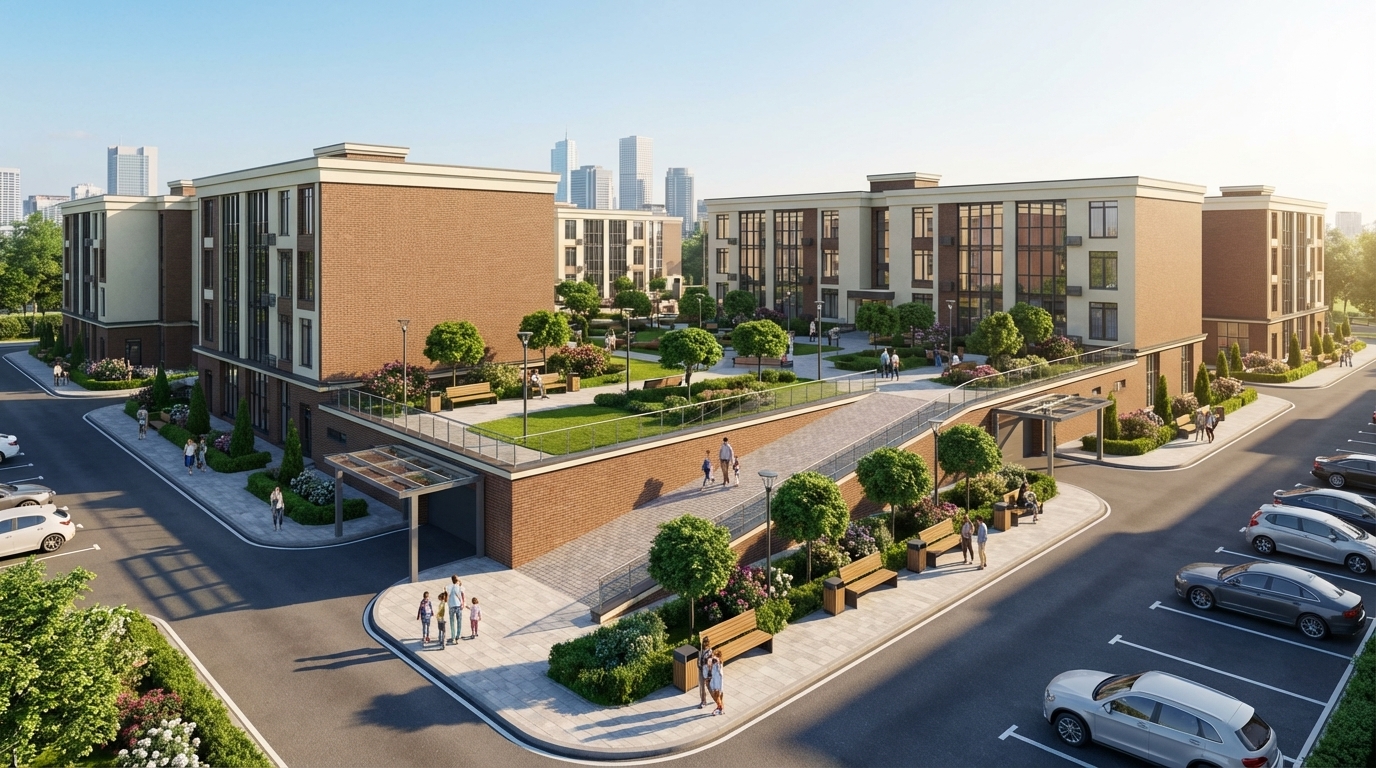
Render this residential complex exactly as designed, without altering its architecture, proportions, colors, façade materials, or geometry, including window sizes, shapes, and volumes.

Enhance the scene to be realistic, modern, and high-quality. Create a second-level courtyard located in the center of the residential complex, not outside the buildings. Include wide sidewalks, pedestrian walkways, benches, street lamps, trash bins, and decorative landscaping: green grass, neatly shaped trees, bushes, and flowerbeds, all matching the architectural style.

Add a ramp providing safe access to the second-level courtyard, integrated naturally with the buildings and landscaping. Include clean asphalt roads, organized parking spaces, several modern cars, and a realistic number of people — pedestrians, families, and residents — to create a lively atmosphere.

Add a subtle city skyline or urban background visible behind the complex, without distracting from the courtyard scene. Use soft daylight with realistic shadows and global illumination.

IMPORTANT: Place entrance ramps to the underground parking at the correct height — at the level of the first floor, elevated from the ground, exactly as in the original 3D model. Add modern metal-and-glass canopies above these ramps.

Ensure the final render is highly realistic, elegant, and visually cohesive, while preserving the exact form, geometry, and colors of the buildings.
Render this residential complex exactly as designed, without altering its architecture, proportions, colors, façade materials, or geometry, including window sizes, shapes, and volumes. Enhance the scene to be realistic, modern, and high-quality. Create a second-level courtyard located in the center of the residential complex, not outside the buildings. Include wide sidewalks, pedestrian walkways, benches, street lamps, trash bins, and decorative landscaping: green grass, neatly shaped trees, bushes, and flowerbeds, all matching the architectural style. Add a ramp providing safe access to the second-level courtyard, integrated naturally with the buildings and landscaping. Include clean asphalt roads, organized parking spaces, several modern cars, and a realistic number of people — pedestrians, families, and residents — to create a lively atmosphere. Add a subtle city skyline or urban background visible behind the complex, without distracting from the courtyard scene. Use soft daylight with realistic shadows and global illumination. IMPORTANT: Place entrance ramps to the underground parking at the correct height — at the level of the first floor, elevated from the ground, exactly as in the original 3D model. Add modern metal-and-glass canopies above these ramps. Ensure the final render is highly realistic, elegant, and visually cohesive, while preserving the exact form, geometry, and colors of the buildings.
Dec 2
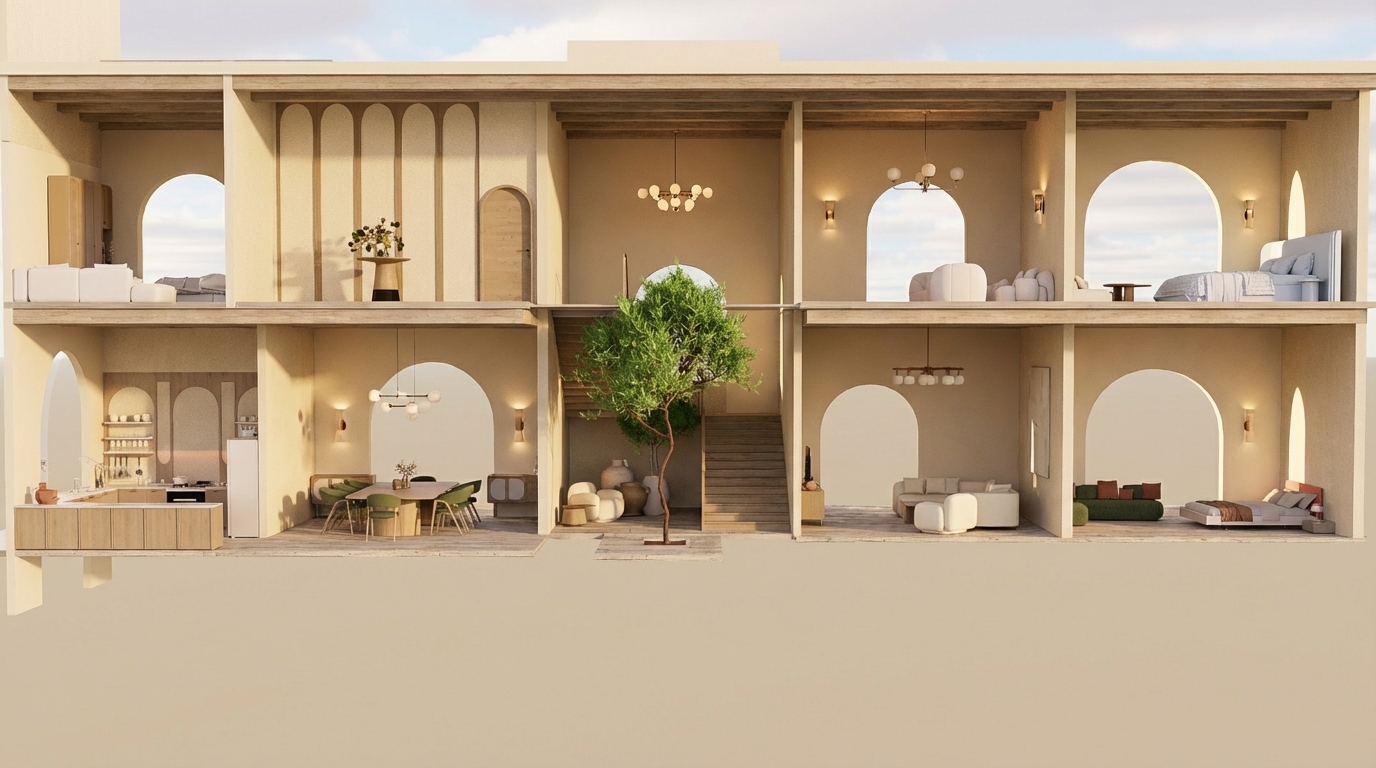
"Create an ultra-realistic render of this two-story Mediterranean-style villa section exactly as shown, keeping all room functions and all furniture placements unchanged.
All walls throughout both floors must be in beige tones only (warm Mediterranean beige).

GROUND FLOOR:
– Left side: open kitchen with upper and lower cabinets; dining area beside it.
– Middle: small seating area before the staircase; indoor vertical patio with a tree extending through both levels.
– Right side: main living room; and directly next to it a bedroom exactly as shown.

FIRST FLOOR:
– Left: bedroom; next to it a decorative gallery space with arched wall panels and a console table.
– Middle: double-height void above the indoor tree and staircase landing.
– Right: small sitting area; and at the far right a bedroom with arched opening.

Architectural requirements: preserve arches, openings, proportions, and room layout exactly as shown.

Rendering instructions:
– Do NOT change or modify any furniture; keep the exact furniture pieces and positions.
– All walls must be beige.
– Use modern lighting fixtures with warm Mediterranean ambiance.
– Use light-colored wood (not dark) for all wooden elements.
– Add highly detailed textures, refined materials, micro-details, realistic reflections, volumetric light, soft shadows, and a warm Mediterranean atmosphere.
– Maintain Mediterranean color palette: beige, warm brown, olive, deep burnt orange.
– Add elegant Mediterranean-style chandeliers without altering furniture layout
"Create an ultra-realistic render of this two-story Mediterranean-style villa section exactly as shown, keeping all room functions and all furniture placements unchanged. All walls throughout both floors must be in beige tones only (warm Mediterranean beige). GROUND FLOOR: – Left side: open kitchen with upper and lower cabinets; dining area beside it. – Middle: small seating area before the staircase; indoor vertical patio with a tree extending through both levels. – Right side: main living room; and directly next to it a bedroom exactly as shown. FIRST FLOOR: – Left: bedroom; next to it a decorative gallery space with arched wall panels and a console table. – Middle: double-height void above the indoor tree and staircase landing. – Right: small sitting area; and at the far right a bedroom with arched opening. Architectural requirements: preserve arches, openings, proportions, and room layout exactly as shown. Rendering instructions: – Do NOT change or modify any furniture; keep the exact furniture pieces and positions. – All walls must be beige. – Use modern lighting fixtures with warm Mediterranean ambiance. – Use light-colored wood (not dark) for all wooden elements. – Add highly detailed textures, refined materials, micro-details, realistic reflections, volumetric light, soft shadows, and a warm Mediterranean atmosphere. – Maintain Mediterranean color palette: beige, warm brown, olive, deep burnt orange. – Add elegant Mediterranean-style chandeliers without altering furniture layout
Dec 2
Convert this exact Revit building massing into a complete and highly detailed Amsterdam-style architectural façade while strictly preserving every block, setback, height, and proportion of the original geometry. Apply the seventeenth-century Dutch canal house identity directly onto the existing horizontal mass, treating each vertical module, recess, and projection as an individual façade bay. Maintain the building as one continuous structure while visually subdividing it into rhythmically narrow Amsterdam-style segments with stepped, bell, and neck gables applied only above existing rooflines without altering the massing. Use warm brown, muted red, and deep charcoal brick textures combined with cream stone trim outlining corners and window surrounds. Integrate tall vertical windows with thin black mullions, placing decorative cornices at horizontal massing transitions and using recesses as historic alley moments. Convert all solid walls into richly detailed brick façades with traditional Dutch ornamentation, ensuring a subtle two-to-three-degree forward façade tilt for authenticity without modifying geometry.

Place a calm reflective canal directly along the entire front length of the building, adding stone edges, metal railings, bicycles, and slender street trees typical of Amsterdam’s canals. Illuminate the scene with warm golden-hour sunlight at a low angle, producing soft highlights on window glass and warm reflections in the canal. Use a wide-angle twenty-four to twenty-eight millimeter lens at eye level with a straight frontal perspective capturing clear water reflections and gentle ripples. Render the scene with ultra-photorealistic quality, high dynamic range, crisp material textures, natural shadow falloff, warm filmic color grading, and slight chromatic imperfections for historical realism.

Negative prompt: avoid geometry changes, futuristic elements, modern curtain walls, erased volumes, misaligned gables, unrealistic colors, and fisheye distortion. Ensure consistent weathering realistic brick aging subtle mortar variation historically accurate roof edges precise gable alignment natural ambient occlusion and refined reflective highlights across all surfaces for authenticity.
Convert this exact Revit building massing into a complete and highly detailed Amsterdam-style architectural façade while strictly preserving every block, setback, height, and proportion of the original geometry. Apply the seventeenth-century Dutch canal house identity directly onto the existing horizontal mass, treating each vertical module, recess, and projection as an individual façade bay. Maintain the building as one continuous structure while visually subdividing it into rhythmically narrow Amsterdam-style segments with stepped, bell, and neck gables applied only above existing rooflines without altering the massing. Use warm brown, muted red, and deep charcoal brick textures combined with cream stone trim outlining corners and window surrounds. Integrate tall vertical windows with thin black mullions, placing decorative cornices at horizontal massing transitions and using recesses as historic alley moments. Convert all solid walls into richly detailed brick façades with traditional Dutch ornamentation, ensuring a subtle two-to-three-degree forward façade tilt for authenticity without modifying geometry. Place a calm reflective canal directly along the entire front length of the building, adding stone edges, metal railings, bicycles, and slender street trees typical of Amsterdam’s canals. Illuminate the scene with warm golden-hour sunlight at a low angle, producing soft highlights on window glass and warm reflections in the canal. Use a wide-angle twenty-four to twenty-eight millimeter lens at eye level with a straight frontal perspective capturing clear water reflections and gentle ripples. Render the scene with ultra-photorealistic quality, high dynamic range, crisp material textures, natural shadow falloff, warm filmic color grading, and slight chromatic imperfections for historical realism. Negative prompt: avoid geometry changes, futuristic elements, modern curtain walls, erased volumes, misaligned gables, unrealistic colors, and fisheye distortion. Ensure consistent weathering realistic brick aging subtle mortar variation historically accurate roof edges precise gable alignment natural ambient occlusion and refined reflective highlights across all surfaces for authenticity.
Dec 2
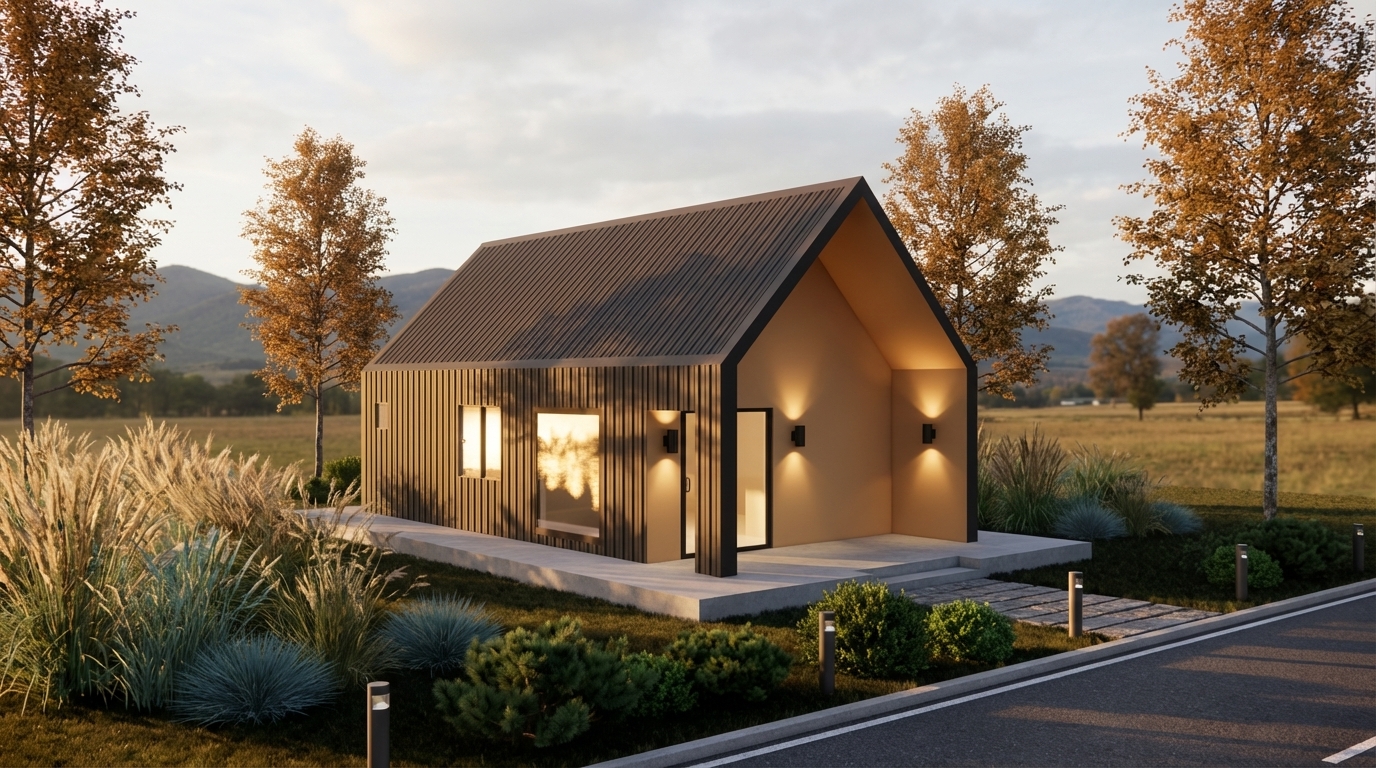
Cinematic architectural enhancement of an existing container house. Add realistic landscaping around the structure, including tall ornamental grasses, low shrubs, small bushes, and a few medium-height trees surrounding the site. Place a concrete platform base with a subtle step-up entrance. Add a narrow stone pathway and a clean asphalt road in the foreground. Install modern minimal bollard lights along the road and walkway. Add warm exterior wall lights on the facade to create a cozy glow. Enhance natural sunlight to golden hour, with soft shadows, warm tones, and realistic reflections on the glass windows. Add distant mountains, open field, and trees in the background under a slightly cloudy sky. Make the scene modern, calm, eco-friendly, and photorealistic.

Render style: Ultra-realistic, cinematic, 4K, depth of field, soft shadows, HDR lighting, realistic textures, professional architectural visualization. “Keep the original structure unchanged. Only enhance environment, lighting, plants, and atmosphere.”
Cinematic architectural enhancement of an existing container house. Add realistic landscaping around the structure, including tall ornamental grasses, low shrubs, small bushes, and a few medium-height trees surrounding the site. Place a concrete platform base with a subtle step-up entrance. Add a narrow stone pathway and a clean asphalt road in the foreground. Install modern minimal bollard lights along the road and walkway. Add warm exterior wall lights on the facade to create a cozy glow. Enhance natural sunlight to golden hour, with soft shadows, warm tones, and realistic reflections on the glass windows. Add distant mountains, open field, and trees in the background under a slightly cloudy sky. Make the scene modern, calm, eco-friendly, and photorealistic. Render style: Ultra-realistic, cinematic, 4K, depth of field, soft shadows, HDR lighting, realistic textures, professional architectural visualization. “Keep the original structure unchanged. Only enhance environment, lighting, plants, and atmosphere.”
Dec 2
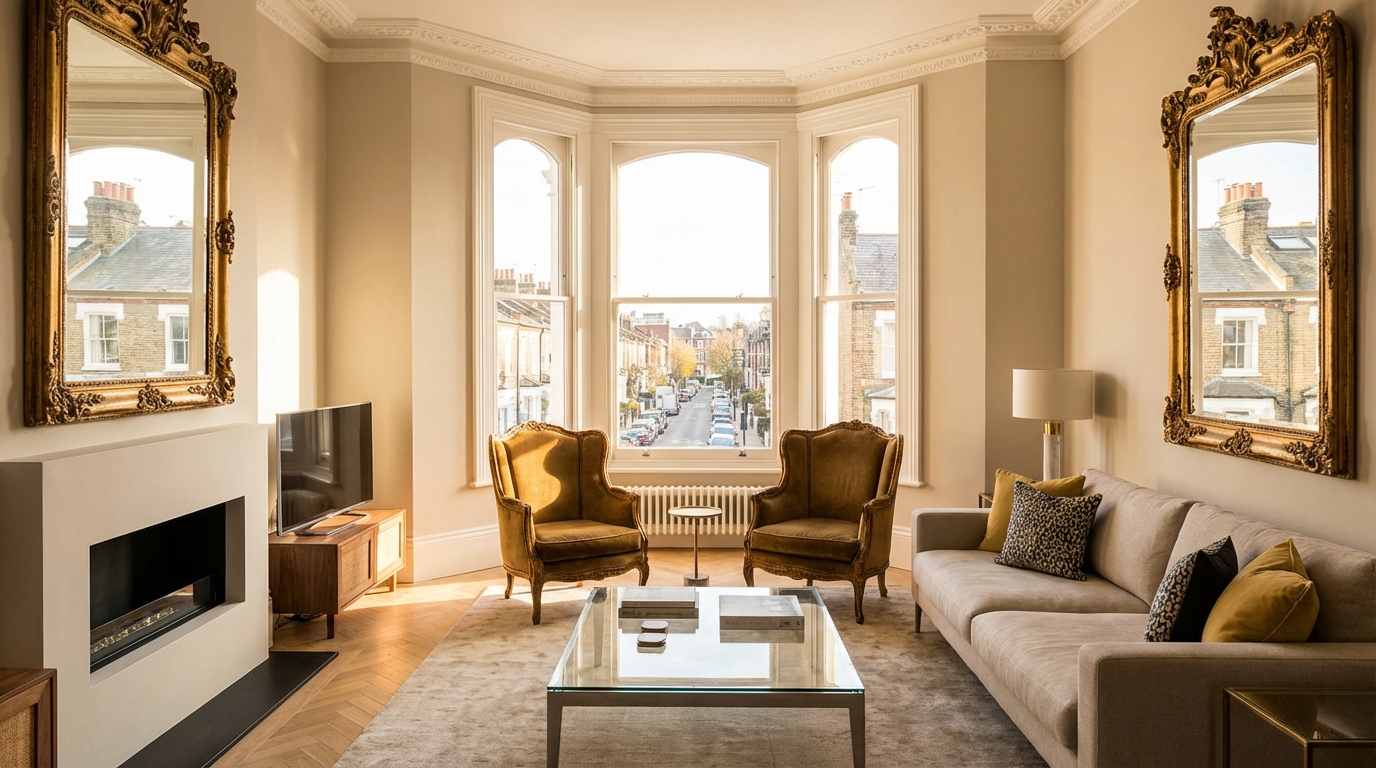
baroque chic modern living room with south facing windows based in london
Dec 2
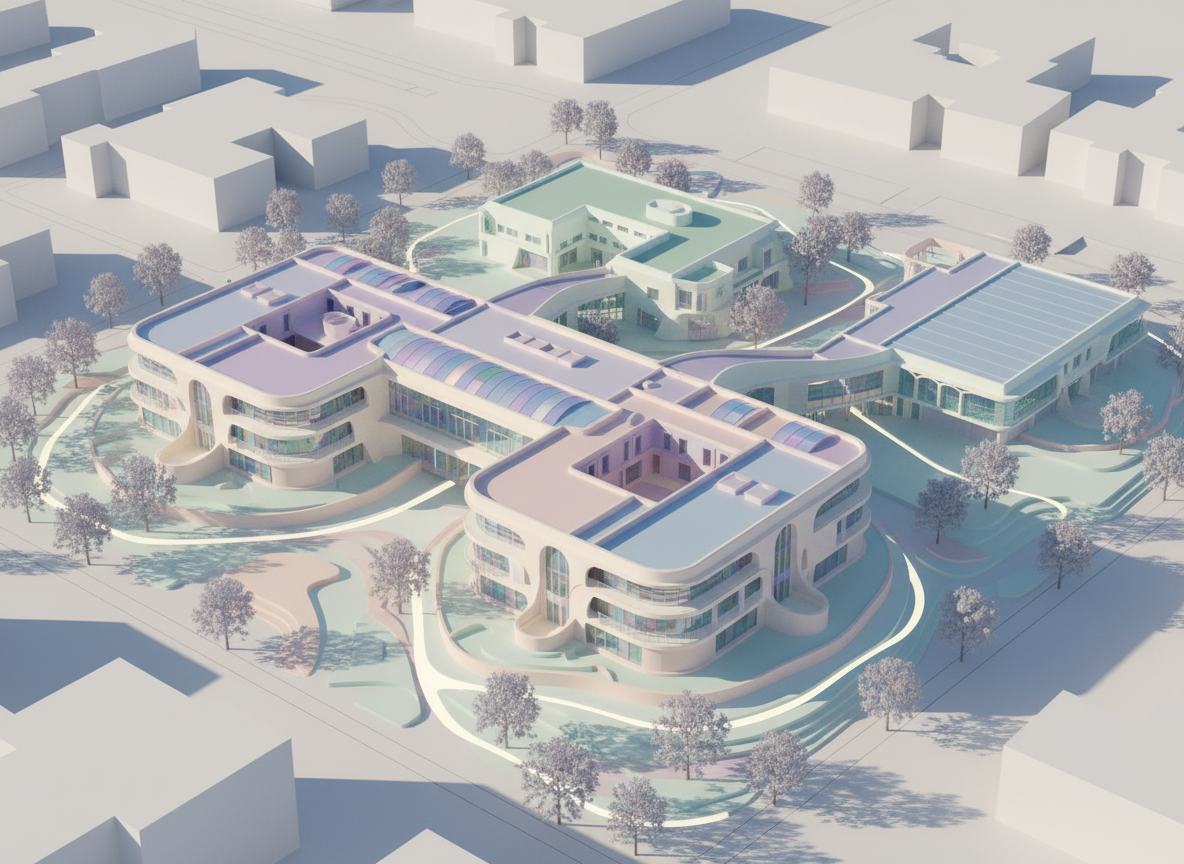
generate a 3d massing for this school, pastel colours , futuristic alien style (image ET movie
 but elf county)
generate a 3d massing for this school, pastel colours , futuristic alien style (image ET movie but elf county)
Oct 3
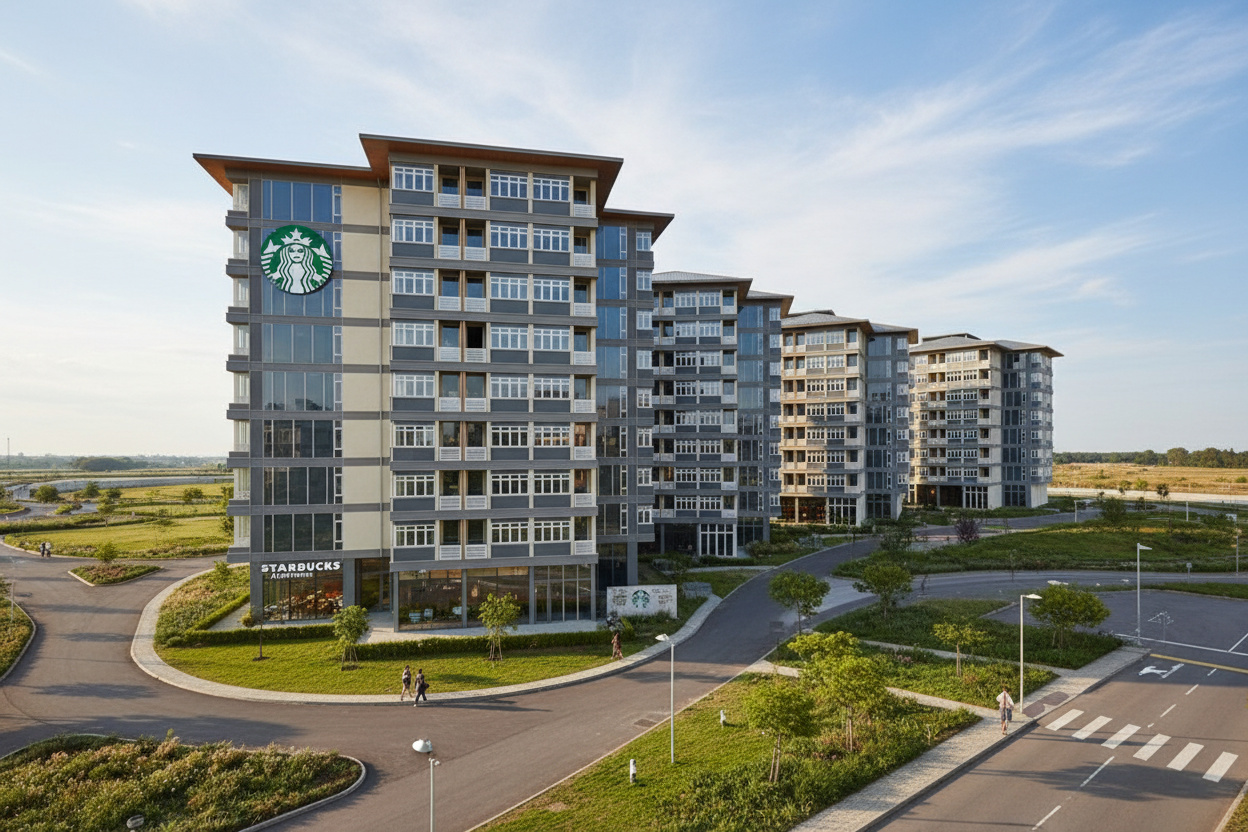
make it realistic housing society with starbucks logo on it, thisd is starbucks appartments
Oct 3
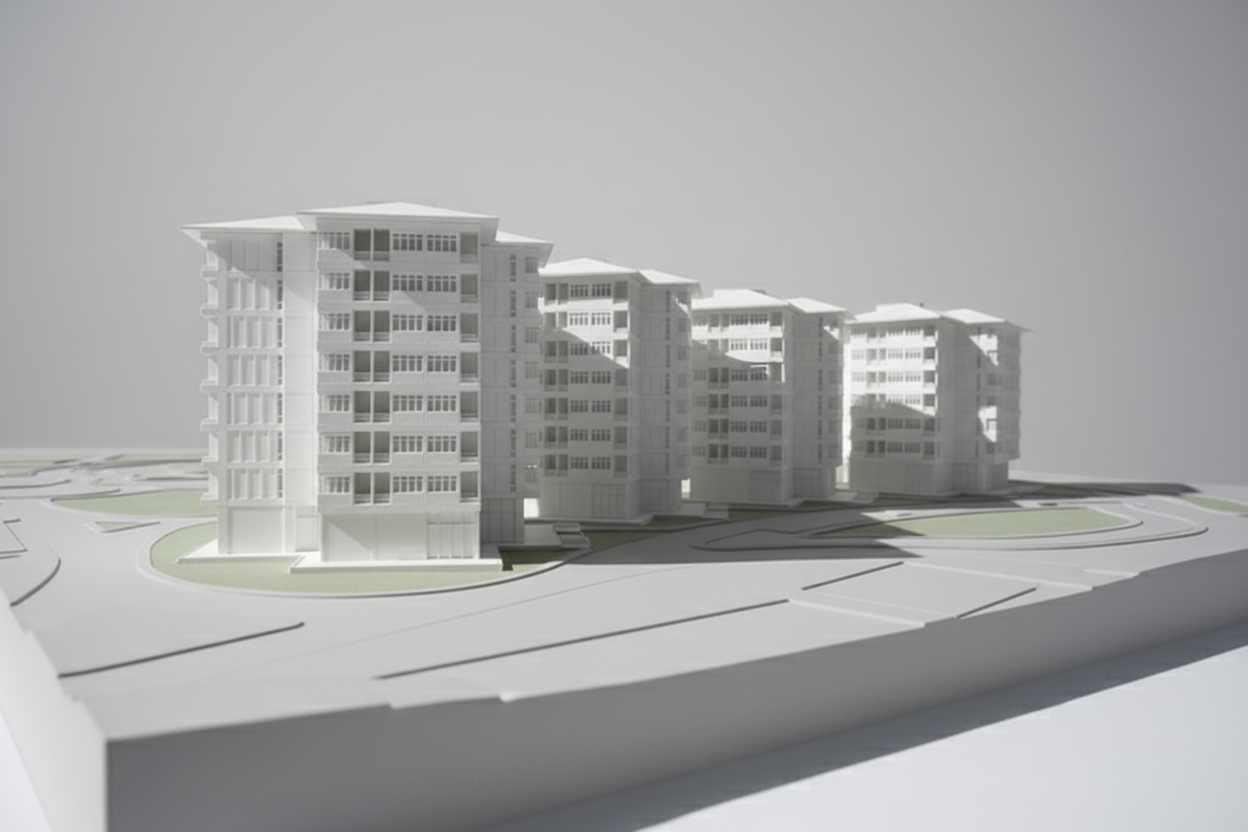
make photorealistic render of this
Oct 3
make it realistic rajasthani arhcitecture, with gothic colour gargoyles, rainy doomy weather , imagine rajasthan gone goth
Oct 3
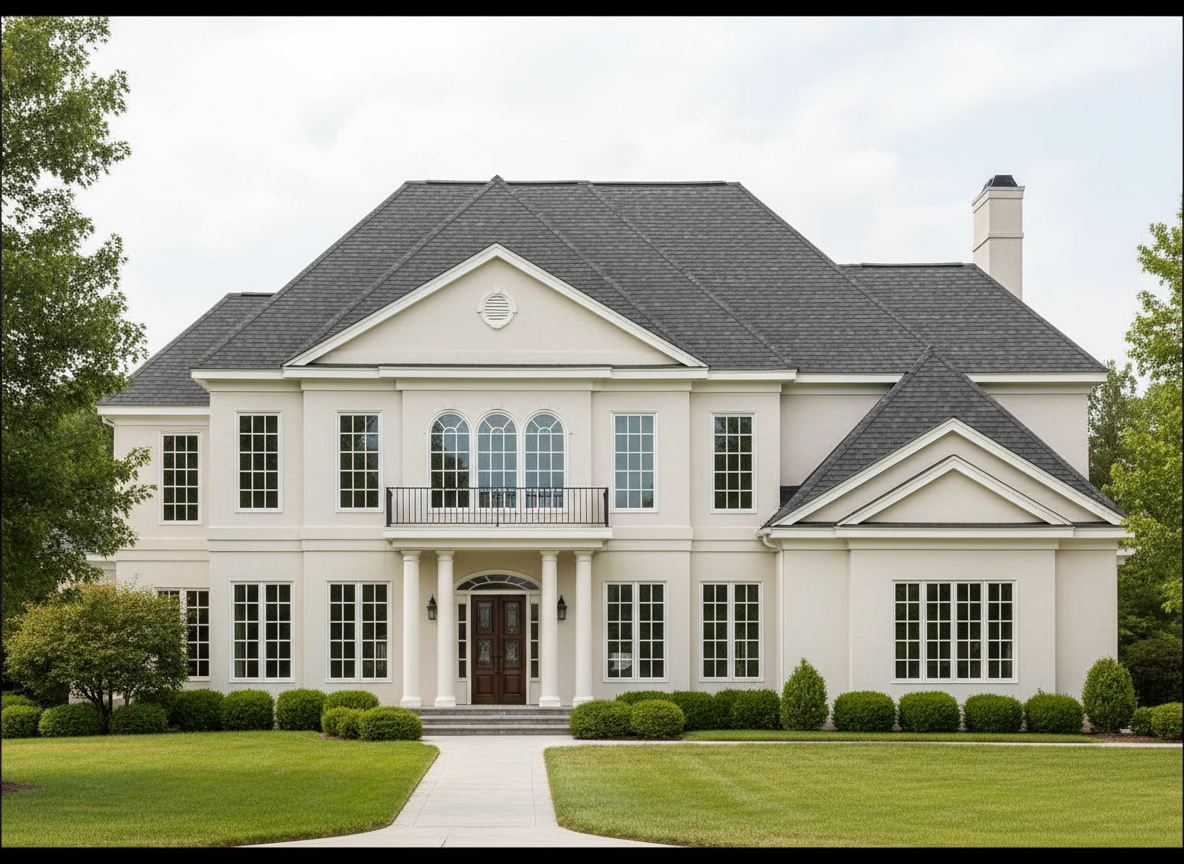
make it detailed AutoCAD drawings
Oct 3
make it detailed AutoCAD drawings but realsitc annotation on current image
Oct 3
QUIERO QUE TOMES ESA IMAGEN LA HAGAS MAS REALISTA QUE EL FONDO SE VEA VEGETACION
Dec 3
<role>
You are an expert architectural draftsman specializing in technical section drawings.
</role>

<task>
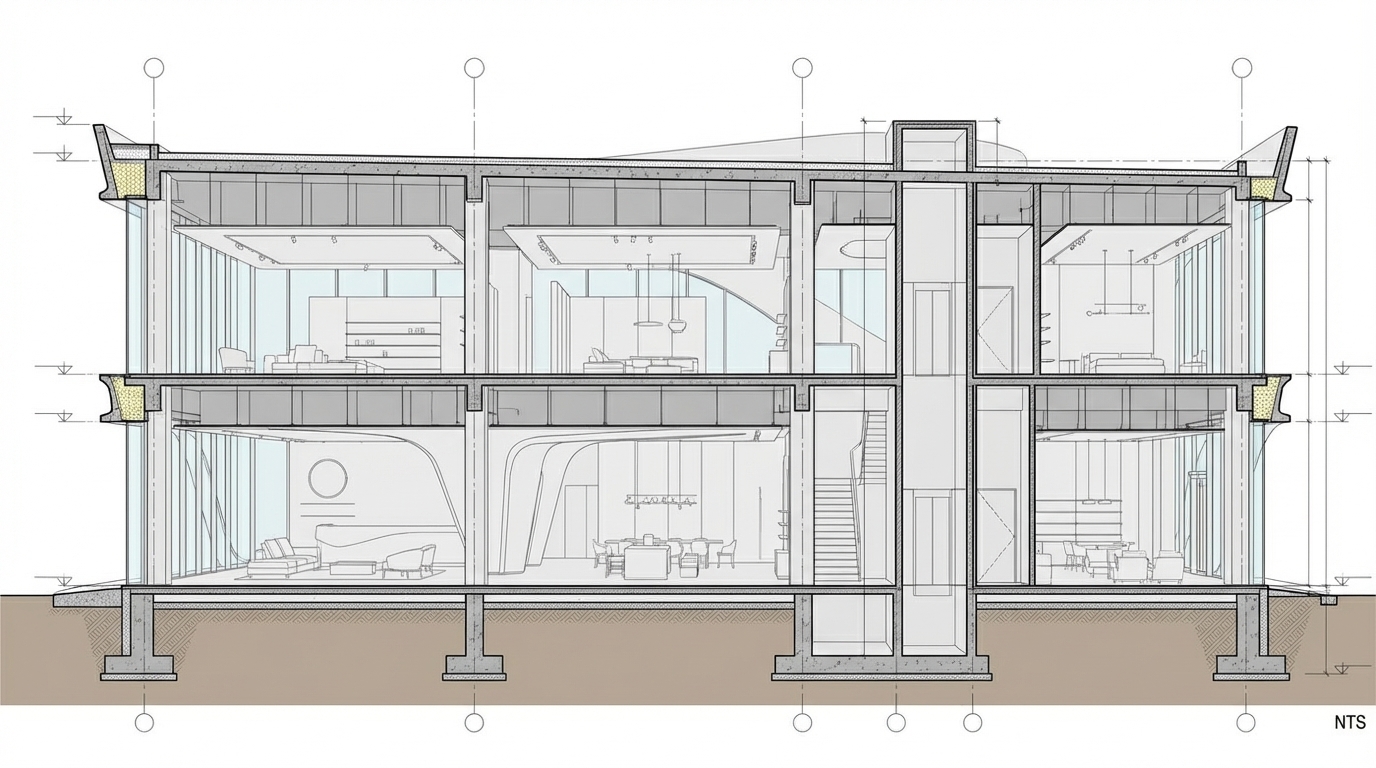
Transform the architectural render into a precise technical section drawing showing the building cut through longitudinally (along the length) to reveal interior structure. Create a longitudinal (along the length) section cut. Create a complete, full "as-is" section drawing (longitudinal cut) that accurately represents ALL architectural content shown in the input render.

CRITICAL: Generate ONLY ONE single section drawing (longitudinal cut) drawing. Do NOT create multiple drawings, compositions, or combined views. Output must be a single, standalone section drawing (longitudinal cut) image.
</task>

<constraints>
1. Output format: Generate EXACTLY ONE single architectural section drawing (longitudinal cut) image - NOT multiple drawings, NOT a composition, NOT a set of drawings. Only ONE drawing per request.
2. Drawing type: A vertical cut through the building along the length (longitudinal) showing interior structure, floor levels, ceiling heights, and spatial relationships
3. Projection type: CRITICAL - Use ONLY orthographic projection. NO perspective, NO isometric, NO 3D views. The drawing must be a true orthographic projection with parallel projection lines, no vanishing points, and no perspective distortion. All dimensions must be shown at true scale.
4. Visual style: Technical CAD linework with precise measurements and graphical symbols (NO text), and standard CAD conventions. Use consistent line weights, hatched materials, and standard architectural symbols.
5. Text and annotations: CRITICAL: DO NOT include ANY text labels, text annotations, written text, dimension text, dimension numbers, dimension values, or ANY readable text characters. Use ONLY graphical annotation symbols, dimension lines (without text), leader lines (without text), and graphical symbols. NO text of any kind. Users will add clean, proper, editable text in post-processing using CAD software.
CRITICAL: Do NOT include dimension numbers, dimension text, or any readable text on dimension lines. Dimension lines should be graphical lines only, without any text labels or numbers.
6. Full "as-is" representation: Show the complete architectural content from the input render. Include all visible elements, structures, and details. Do not omit or simplify elements that are clearly visible in the input.
7. Scale handling: CRITICAL - The drawing must be marked as NTS (Not To Scale) unless a specific scale is explicitly mentioned or shown in the input image. If the input image contains scale information (e.g., "1:100", "1/4" = 1'-0"", scale bar, or dimensioned elements), use that scale. Otherwise, the drawing must be clearly marked as NTS. Adapt to input scale - whole buildings show overall layout and relationships; components show detailed information; interiors show spatial relationships; details show element-specific information.
8. Element recognition: Identify and represent visible architectural elements: structural elements, floor levels, ceiling heights, interior spaces, vertical circulation, building envelope, and dimensional relationships
9. Drawing conventions: Follow standard architectural section conventions including cut lines, material hatching, and graphical symbols (NO text)
10. Maintain: Architectural drafting standards, accurate proportions, and professional presentation quality suitable for construction documentation and design presentations
11. Focus: structural accuracy, spatial relationships, and graphical symbols only (NO text)
12. Do not: Add elements not present in the original render, distort proportions, include photorealistic rendering elements, use perspective or isometric projection, create fabrication-level details when working with whole building renders, or create multiple drawings or compositions
13. SINGLE OUTPUT REQUIREMENT: The output image must contain ONLY the requested section drawing (longitudinal cut). Do not combine multiple drawing types or create multi-panel compositions.
14. ORTHOGRAPHIC ENFORCEMENT: The drawing MUST be orthographic. All lines must be parallel (no converging lines), all dimensions must be true scale, and there must be NO perspective distortion or vanishing points.
</constraints>

<output_requirements>
- Drawing type: section drawing (longitudinal cut)
- Projection: ORTHOGRAPHIC ONLY - parallel projection lines, no perspective, no vanishing points, true scale dimensions
- Visual style: Technical CAD linework with precise measurements and graphical symbols (NO text), and standard architectural conventions
- Elements: structural elements, floor levels, ceiling heights, interior spaces, vertical circulation, building envelope, and dimensional relationships
- Technical accuracy: Must follow architectural drafting standards and CAD conventions
- Professional quality: Suitable for construction documentation, permit applications, shop drawings, and design presentations
- Scale: CRITICAL - Drawing must be marked as NTS (Not To Scale) unless a specific scale is explicitly mentioned or shown in the input image. If scale information exists in the input (e.g., "1:100", "1/4" = 1'-0"", scale bar, dimensioned elements), use that scale. Otherwise, mark as NTS. Adapt to input scale - whole buildings show overall relationships; components show detailed information; interiors show spatial relationships
- Text handling: CRITICAL: Use ONLY graphical symbols, dimension lines (without text), leader lines (without text), and annotation symbols. NO text labels, NO written annotations, NO dimension numbers, NO dimension text, NO readable text of any kind.
- Consistency: If generating multiple views (all elevations, comprehensive set), maintain consistent scale (all NTS unless specified), line weights, and graphical conventions across all drawings
- Full representation: Show complete "as-is" architectural content from input - include all visible elements and structures
</output_requirements>

<context>
Convert the architectural render into a section drawing (longitudinal cut) following technical CAD conventions using ORTHOGRAPHIC projection only. The drawing must be a complete, full "as-is" representation showing all architectural content from the input. Work with any architectural content, building type, or style. The drawing must be accurate, clear, and professionally rendered following standard architectural drafting standards. Create a longitudinal (along the length) section cut. CRITICAL: Use ONLY graphical symbols with NO text. Do NOT include any dimension numbers, dimension text, labels, or readable text. Users will add text in post-processing using CAD software.

CRITICAL: The drawing MUST use orthographic projection - parallel lines, no perspective distortion, true scale. NO perspective, NO isometric, NO 3D views. Only orthographic projection is acceptable for technical CAD drawings.

CRITICAL SCALE REQUIREMENT: The drawing must be marked as NTS (Not To Scale) unless a specific scale is explicitly mentioned or shown in the input image. If the input contains scale information (e.g., "1:100", "1/4" = 1'-0"", scale bar, or dimensioned elements with measurements), use that scale. Otherwise, the drawing must be clearly marked as NTS.
</context>
Dec 10